WireGuard on DigitalOcean

A practical guide to deploying and using WireGuard on DigitalOcean droplets for private, fast VPN access.
the article body in Markdown:
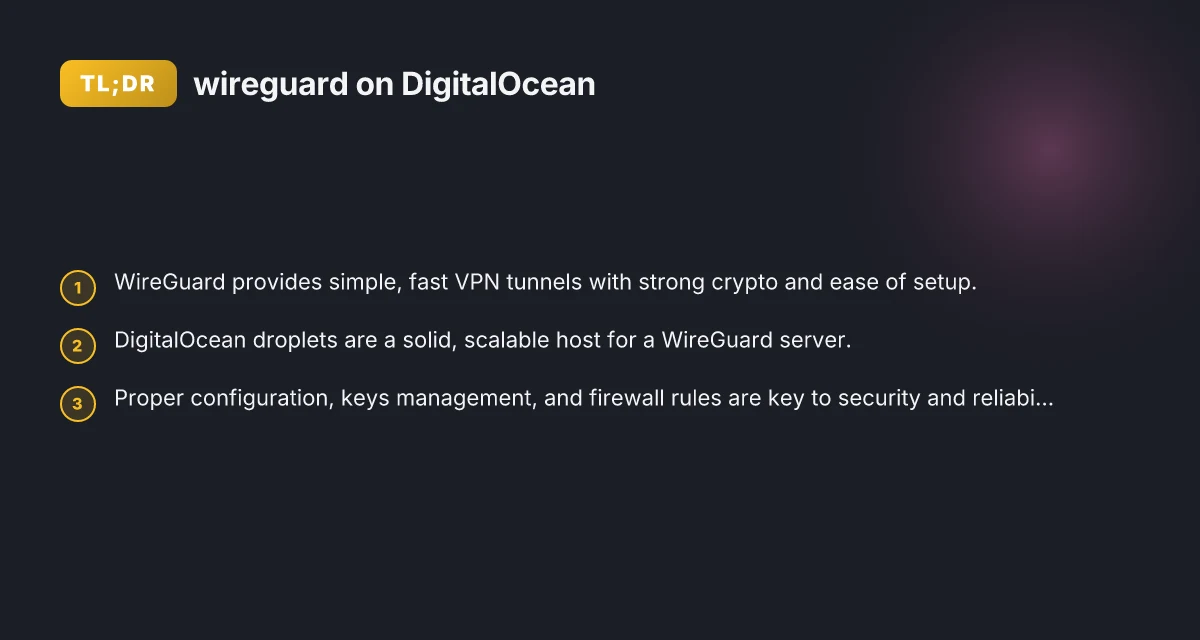
WireGuard is a modern, fast VPN protocol that focuses on simplicity and security. If you’re looking to set up a private VPN on DigitalOcean, WireGuard is often the best balance of ease of use and performance. This guide walks you through installing, configuring, and using WireGuard on a DigitalOcean droplet, with practical tips for security, maintenance, and common use cases.

Why WireGuard on DigitalOcean?
WireGuard is lightweight and fast, with a small codebase and strong cryptography. Running it on DigitalOcean gives you:
- A reliable, globally available cloud host with predictable pricing
- Simple networking: a single UDP port to expose
- Small, easy-to-audit configuration files
- Cross-platform clients for Windows, macOS, Linux, iOS, and Android
By contrast, traditional IPsec setups or OpenVPN can be heavier, require more tuning, and often have more complex client experiences. If your goal is a personal or small-team VPN, WireGuard on a DigitalOcean droplet is often the quickest path to a robust private network.
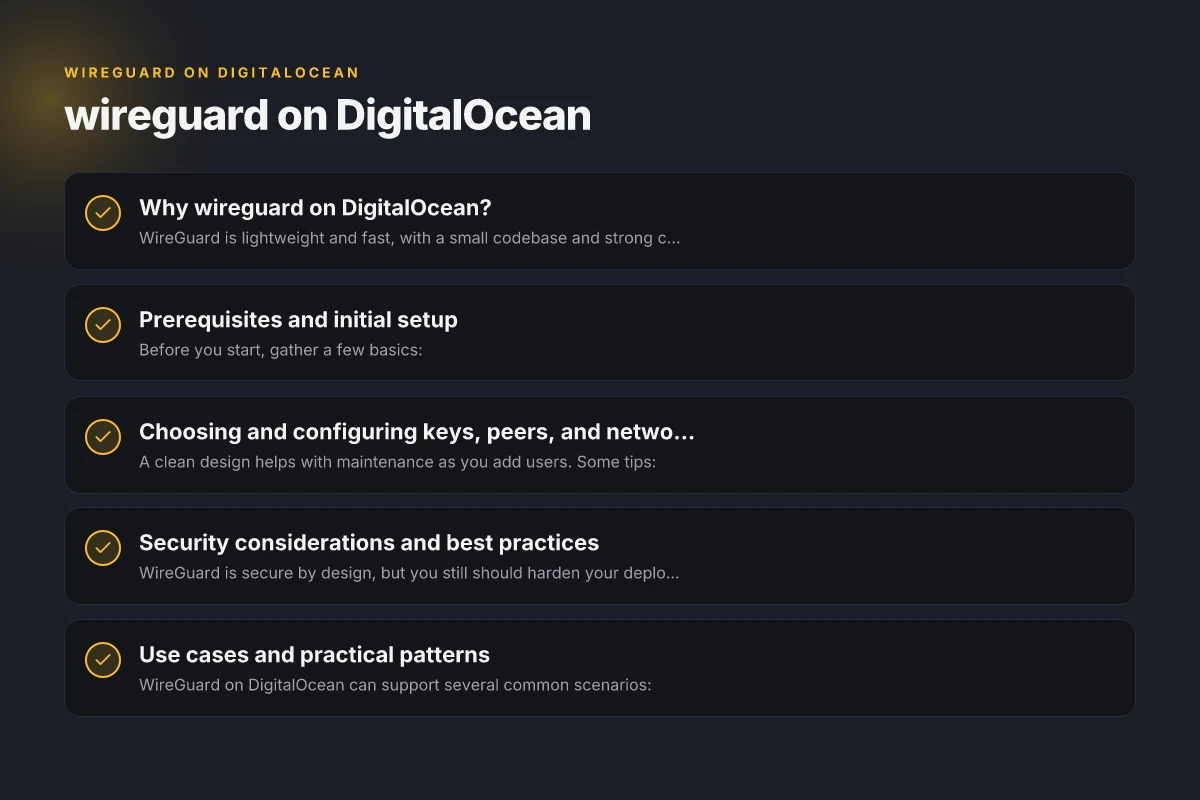
Prerequisites and initial setup
Before you start, gather a few basics:
- A DigitalOcean account with billing enabled
- A droplet (Ubuntu 22.04+ is a common choice. You can start with a small 1GB/1 vCPU plan for testing)
- A domain name (optional) or use the droplet’s public IP
- Basic familiarity with SSH and terminal commands
Step-by-step outline:
- Create a droplet
- Choose an image: Ubuntu 22.04 LTS is a solid default
- Pick a size: 1GB/1vCPU is enough for a single-user VPN. Scale if you need more simultaneous clients
- Add SSH keys for secure login (recommended)
- Select a region close to you or your users
- Prepare the server
- Update the system: sudo apt update && sudo apt upgrade -y
- Install required packages: sudo apt install -y linux-headers-$(uname -r) wireguard-tools nftables
- Enable IP forwarding and necessary networking
- Edit /etc/sysctl.conf and enable: net.ipv4.ip_forward=1 net.ipv6.conf.all.forwarding=1
- Apply: sudo sysctl -p
- Set up nftables or ufw to allow VPN traffic (WireGuard uses a single UDP port, typically 51820)
- Generate keys
- As a non-root user (recommended): mkdir -p ~/wireguard && cd ~/wireguard
- Generate private/public key pairs for server and each client wg genkey | tee server_private.key | wg pubkey > server_public.key For each client: client_private.key and client_public.key
- Create configuration on the server
- Create /etc/wireguard/wg0.conf with content similar to: [Interface] PrivateKey = SERVER_PRIVATE_KEY Address = 10.0.0.1/24 ListenPort = 51820 SaveConfig = true
[Peer] PublicKey = CLIENT1_PUBLIC_KEY AllowedIPs = 10.0.0.2/32 WireGuard on Google Cloud: a practical guide to deploying secure VPNs in GCP
(Add more peers for additional clients, incrementing addresses in 10.0.0.0/24)
- Start and enable the service
- Bring up the interface: sudo wg-quick up wg0
- Enable at boot: sudo systemctl enable wg-quick@wg0
- Verify: sudo wg
- Prepare client configurations
- For each client, create a wg0.conf like: [Interface] PrivateKey = CLIENT_PRIVATE_KEY Address = 10.0.0.2/32 DNS = 1.1.1.1
[Peer] PublicKey = SERVER_PUBLIC_KEY Endpoint = YOUR_SERVER_IP:51820 AllowedIPs = 0.0.0.0/0,::/0 PersistentKeepalive = 25
- Configure routing and firewall
- On the server, ensure NAT for VPN: [Interface] is the server’s Add to iptables or nftables: iptables -t nat -A POSTROUTING -o eth0 -s 10.0.0.0/24 -j MASQUERADE (If using nftables, add equivalent rules)
- If you’re behind a firewall, open UDP 51820: ufw allow 51820/udp Also set ufw to enable forwarding: sudo sysctl -w net.ipv4.ip_forward=1
- Testing
- On the client, start WireGuard: sudo wg-quick up wg0
- Check connectivity: ping -c 3 10.0.0.1 curl https://ifconfig.co (to see public IP through VPN)
Note: The exact commands can vary a little depending on your Linux distribution and chosen tools (iptables vs nftables vs firewalld).
Choosing and configuring keys, peers, and networking
A clean design helps with maintenance as you add users. Some tips:
- Use a consistent subnet: 10.0.0.0/24 is common for a single server with up to 251 clients.
- Reserve IPs per client: assign 10.0.0.2, 10.0.0.3, etc. in the server wg0.conf.
- Keep a separate server private key and per-client private keys. Never reuse keys.
- Rotate keys if you suspect a breach or if a device is decommissioned.
- Consider using a DNS option to force DNS over the VPN (e.g., 1.1.1.1 or your own resolvers) for better privacy.
Security considerations and best practices
WireGuard is secure by design, but you still should harden your deployment: WireGuard on Azure
- Use strong, unique keys for server and each client.
- Keep the server private key on the server only. Distribute client keys securely.
- Use a firewall to restrict access to the WireGuard port. If you don’t need public access, limit to known clients by IP or drop all except the VPN’s port.
- Disable IP forwarding when the VPN is not in use if you’re concerned about misconfiguration.
- Regularly update the server and WireGuard tools to patch vulnerabilities.
- Consider adding a simple kill-switch in client configurations (via AllowedIPs and DNS settings) to prevent data leaks if the VPN drops.
- Log activity selectively. Enable connection auditing but avoid excessive logging that could expose sensitive data.
Use cases and practical patterns
WireGuard on DigitalOcean can support several common scenarios:
- Personal private VPN: Access your home network or cloud resources securely from anywhere.
- Team remote access: Small teams can share a private tunnel to a cloud-based resource pool.
- Cloud resource access: Route sandboxed environments or CI runners through a private network for extra security.
When evaluating use cases, map out which services you want reachable via VPN and who should have access. Then configure peers accordingly to minimize exposure.
Comparison: WireGuard on DigitalOcean vs other VPN options
Here is a quick look at a typical comparison to help decide if WireGuard on DigitalOcean is right for you:
| Feature/Aspect | WireGuard on DigitalOcean | OpenVPN on DigitalOcean | IPsec on DigitalOcean |
|---|---|---|---|
| Setup simplicity | Very simple; basic server config yields quick start | More complex; requires certificates | Moderate complexity; needs keys and policies |
| Performance | High throughput; lightweight | Good, but heavier due to TLS and cipher suites | Moderate; depends on configuration |
| Client experience | Clean, straightforward apps; fast connections | Mature apps but heavier routing | Complex for mobile devices |
| Firewall rules | One UDP port; easy to manage | Multiple ports and protocols | Requires careful policy setup |
| Maintenance | Easy to rotate keys; small config footprint | More moving parts (certs, revocation) | Similar, but policy complexity can grow |
If you need a pragmatic, fast VPN with minimal overhead, WireGuard on DigitalOcean often wins on simplicity and performance. OpenVPN and IPsec are viable in enterprise contexts or where you require specific compatibility or legacy clients, but for personal or small-team use, WireGuard is typically the best starting point.
Managing and scaling as you grow
As you add more clients, consider the following: WireGuard on AWS
- Automate peer creation: Use a script to generate keys and append to wg0.conf, then push to clients with a secure channel.
- Use a management plane: If you scale past a few users, consider a small, centralized management workflow to distribute client configs safely.
- Plan for HA or redundancy: DNS records, multiple droplets with a failover strategy, and a robust backup of server configs help maintain uptime.
- Monitor usage: Light monitoring of the VPN server (CPU, memory, network) helps prevent performance bottlenecks.
DigitalOcean specific tips:
- Use VPCs for internal routing between droplets if you have multiple servers or services that you want to protect behind WireGuard.
- Consider placing the WireGuard server in a private network, listening on a public interface only for initial handshake, then routing traffic through the tunnel.
- Enable automatic backups for the droplet if you are running critical VPN services.
Final recommendation
If your goal is a simple, fast, secure private VPN, set up WireGuard on a DigitalOcean droplet. It’s straightforward to install, light on resources, and delivers solid performance with minimal overhead. Start with a small droplet to test, then expand as your user base grows. Keep your keys secure, enforce strong firewall rules, and routinely audit configurations. For most personal and small-team use cases, this combination offers a robust, maintainable solution that keeps your traffic private with minimal administrative burden.
If you’d like, I can tailor a step-by-step script or a ready-made configuration package for your exact use case (single user, multi-user, or site-to-site).