Linode VPN gateway

A practical guide to using Linode as a VPN gateway, covering setup, features, and best practices.
the article body in Markdown
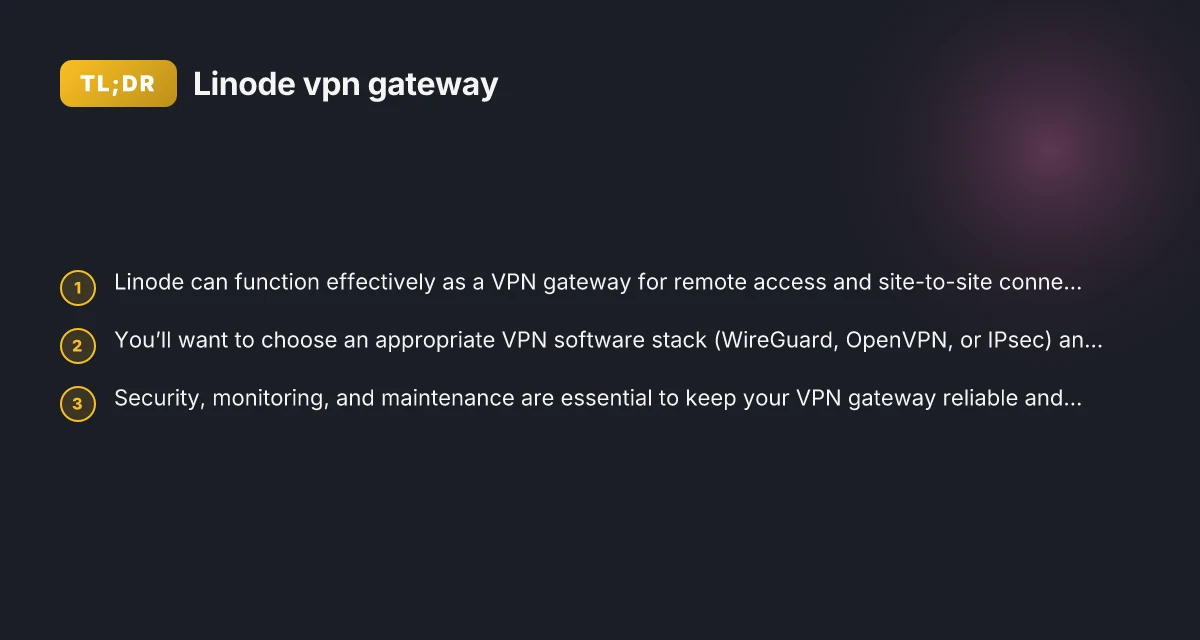
Linode offers flexible cloud hosting that can double as a robust VPN gateway. Whether you’re enabling remote access for a small team, connecting multiple sites, or just securing your internet traffic, Linode provides the control, performance, and cost efficiency to run a VPN gateway effectively. This guide walks you through the practical steps to set up a Linode-based VPN gateway, compare common VPN software stacks, and outline best practices for operation and security.

Why use a Linode VPN gateway
A VPN gateway sits at the edge of your network and handles encrypted tunnels to clients or other networks. Running a VPN gateway on Linode gives you:
- Centralized control: Manage users, routes, and policies from a single place.
- Global reach: Linode’s data centers around the world reduce latency for remote users.
- Cost predictability: Fixed monthly cloud bills with scalable instance sizes.
- Security and compliance: Isolated cloud environments with configurable firewall rules.
Before you start, define your goals:
- Remote access for employees or contractors.
- Site-to-site VPN between your office, colocation, or other cloud environments.
- Private networking for cloud workloads and on-premises systems.

Choosing the right VPN stack for Linode
There are several viable options to run on a Linode, depending on your needs. The most common stacks are:
WireGuard
- Simple to configure and extremely fast.
- Modern cryptography and lean code.
- Easy client configurations with public key authentication.
- Great for remote access and site-to-site with modest overhead.
OpenVPN
- Mature, widely supported, and highly configurable.
- Good for mixed client OS environments.
- Strong community and tooling for client management.
- Slightly heavier than WireGuard but very feature-rich.
IPsec (strongSwan, libreswan)
- Excellent for site-to-site VPNs with traditional IPsec tunnels.
- Strong interoperability with enterprise devices.
- Good support for complex policies and routing.
How to choose:
- If you want simplicity and speed, start with WireGuard.
- If you need broad client compatibility and detailed control, OpenVPN is solid.
- If you’re integrating with existing enterprise networks that rely on IPsec, IPsec may be best.
Setting up a Linode instance for VPN gateway
- Choose an instance type
- For small teams or light remote work: a 1GB or 2GB RAM plan may suffice.
- For higher throughput or many concurrent tunnels: 4GB–8GB or more, with higher bandwidth quotas.
- Consider region proximity to your users for lower latency.
- Prepare the environment
- Update the OS: sudo apt-get update && sudo apt-get upgrade (Debian/Ubuntu) or the equivalent for your distro.
- Create a non-root user with sudo privileges for management.
- Enable a firewall (ufw or nftables) and allow only necessary ports.
- Install VPN software
- WireGuard: install wireguard-tools and kernel module (or wireguard-dkms for older kernels).
- OpenVPN: install openvpn and easy-rsa for certificate management.
- IPsec: install strongSwan or libreswan depending on preference.
- Configure networking
- Assign a private VPN subnet (e.g., 10.6.0.0/24 for WireGuard).
- Reserve public IPs or rely on Linode’s public interface with NAT rules if needed.
- Configure routing: push routes to clients. Ensure correct IP masquerading/NAT if clients access the internet through the VPN.
- Harden access
- Use strong keys or certificates, avoid default passwords.
- Disable password authentication for SSH. Require key-based login.
- Implement fail2ban or similar to protect SSH.
- Regularly update software and monitor for security advisories.
Basic configuration patterns
Below are generalized patterns for each stack. Adjust details to your network design. How to evaluate Oracle Cloud VPN Gateway in 2026
WireGuard (remote access pattern)
- Server config (example):
- [Interface] PrivateKey =
, Address = 10.6.0.1/24, ListenPort = 51820 - [Peer] PublicKey =
, AllowedIPs = 10.6.0.2/32, PersistentKeepalive = 25 - Client config:
- [Interface] PrivateKey =
, Address = 10.6.0.2/24 - [Peer] PublicKey =
, Endpoint = :51820, AllowedIPs = 0.0.0.0/0
OpenVPN (remote access pattern)
- Server: server.conf with dev tun, server 10.8.0.0 255.255.255.0, push "redirect-gateway def1"
- Client:.ovpn profile with remote server address, certs/keys embedded
- TLS-auth or TLS-crypt for added security
IPsec (strongSwan pattern)
- ipsec.conf with configuring left/right endpoints, IKE and ESP proposals, and left/rightsubnet.
- Use strongSwan’s cert-based authentication or pre-shared keys for simpler setups.
- NetworkManager or strongSwan plugins can help with client management.
Security best practices
- Use modern cryptography: WireGuard is a great default due to its modern, peer-to-peer cryptography and simpler configuration.
- Rotate keys regularly and have a process for revoking compromised keys.
- Implement MFA for control planes where possible (server admin access and VPN management).
- Use separate subnets for VPN clients and internal networks to minimize blast radius.
- Apply least privilege: restrict access by IPs where possible, limit what each user can connect to.
- Regular backups of configuration and keys, with secure storage.
- Monitor VPN activity: keep an eye on connection attempts, unusual traffic patterns, and server load.
Monitoring and maintenance
- Metrics to track:
- VPN throughput and concurrent connections
- CPU and memory usage on the Linode instance
- Network latency and packet loss for VPN clients
- Logging:
- Collect VPN logs for authentication events, tunnel up/down, and errors.
- Centralize logs if you manage multiple gateways or clients.
- Alerts:
- Set alerts for abnormal traffic, service restarts, or failed authentications.
- Regular updates:
- Apply OS updates and VPN software patches promptly.
- Test configurations after updates in a staging environment if possible.
Comparison: WireGuard, OpenVPN, and IPsec for Linode VPN gateways
| Criterion | WireGuard | OpenVPN | IPsec (strongSwan/libreswan) |
|---|---|---|---|
| Setup complexity | Simple; fast to deploy | Moderate; more steps and certificates | Moderate; policy and certs required |
| Performance | Very high; low overhead | Good; depends on config, generally heavier | Good; efficient with proper tuning |
| Client support | Excellent across modern OS | Broad; Windows/macOS/Linux/iOS/Android | Broad; enterprise devices |
| Security model | Modern, streamlined cryptography | Mature; flexible but larger attack surface | Mature; strong for site-to-site |
| Best use case | Remote access, small teams, fast setup | Mixed environments, need robust client tooling | Site-to-site, traditional enterprise networks |
Practical deployment tips
- Start small: deploy a single Linode instance with a basic config, test with a couple of clients, then scale.
- Use static peers for site-to-site tunnels when possible to reduce churn and complexity.
- Document your network topology, including allowed IPs, routes, and DNS behavior through the VPN.
- Consider redundancy: have a secondary Linode gateway for failover, and use DNS-based or health-check failover.
- Plan for scaling: as you add more users or sites, you may need larger instances or multiple VPN gateways with load balancing.
Common pitfalls and how to avoid them
- Overly permissive firewall rules: Use strict rules that only allow necessary ports and protocols for VPN traffic.
- IP address conflicts: Plan VPN subnets to avoid overlapping with local networks. Use non-overlapping ranges.
- Poor key management: Rotate keys, store keys securely, and revoke compromised keys promptly.
- Inconsistent NAT rules: Ensure correct NAT settings if VPN clients need internet access through the gateway.
- Lack of testing: Validate tunnel establishment, failover, and client reconnect behavior before going live.
Final recommendations
If your goal is a reliable, fast, and straightforward VPN gateway on Linode, start with WireGuard. It delivers excellent performance with simpler configuration and strong security. If your environment requires broad compatibility or specific enterprise features, OpenVPN or IPsec are solid alternatives. Regardless of the stack, adhere to security best practices, monitor health, and plan for growth.
For most small teams or flexible remote access scenarios, a Linode VPN gateway using WireGuard will give you the best blend of speed, simplicity, and security. As you scale, consider a multi-gateway topology with a clear maintenance plan and documented configurations to keep connections stable and predictable.